Massachusetts Driver Exam Prep / Driver knowledge
Massachusetts RMV Learner's Permit Test Prep
Class D license, Permit & Testing · Traffic Signals, Signs & Markings · Intersections, Lanes, Turns & Parking.
WHAT’S INSIDE
Know what you’ll learn.
Explore the lessons in this pack.
Open a topic for a closer look.
01 Driving Class D license, Permit & Testing
Massachusetts Registry of Motor Vehicles application path, permit rules, supervision, test format, passing score, and learner responsibilities.
Topic reference: MAD-LICENSE
02 Driving Traffic Signals, Signs & Markings
Signals, road signs, stop and yield controls, railroad warnings, pavement markings, work-zone signs, and sign-test strategy.
Topic reference: MAD-SIGNS
03 Driving Intersections, Lanes, Turns & Parking
Right-of-way at intersections, lane changes, turns, passing, bike lanes, roundabouts/traffic circles, backing, and parking.
Topic reference: MAD-LANES
04 Driving Speed, School Zones & Roadside Laws
Speed choice, school zones, school buses, work zones, emergency vehicles, move-over duties, following distance, and freeway/highway flow.
Topic reference: MAD-SPEED
05 Driving Safe Driving, Conditions & Emergencies
Headlights, weather, following distance, skids, blowouts, drowsy driving, equipment readiness, and emergency actions.
Topic reference: MAD-SAFE
06 Driving Sharing the Road
Pedestrians, blind pedestrians, bicyclists, motorcycles, trucks, buses, road workers, emergency scenes, animals, and slow-moving vehicles.
Topic reference: MAD-SHARE
07 Driving Impairment, Distraction & Passenger Safety
Alcohol, drugs, implied consent, under-21 limits, phones, seat belts, child restraints, open containers, and passenger safety.
Topic reference: MAD-IMPAIRMENT
08 Driving Insurance, Collisions, Records & Review
Insurance, collision duties, address and residency changes, registration, traffic stops, driver records, and manual review strategy.
Topic reference: MAD-RESPONSIBILITY
No lessons match that search.
A LOOK INSIDE
See learning in action.
Real app screens. Explore a preview, then find the pack that fits.
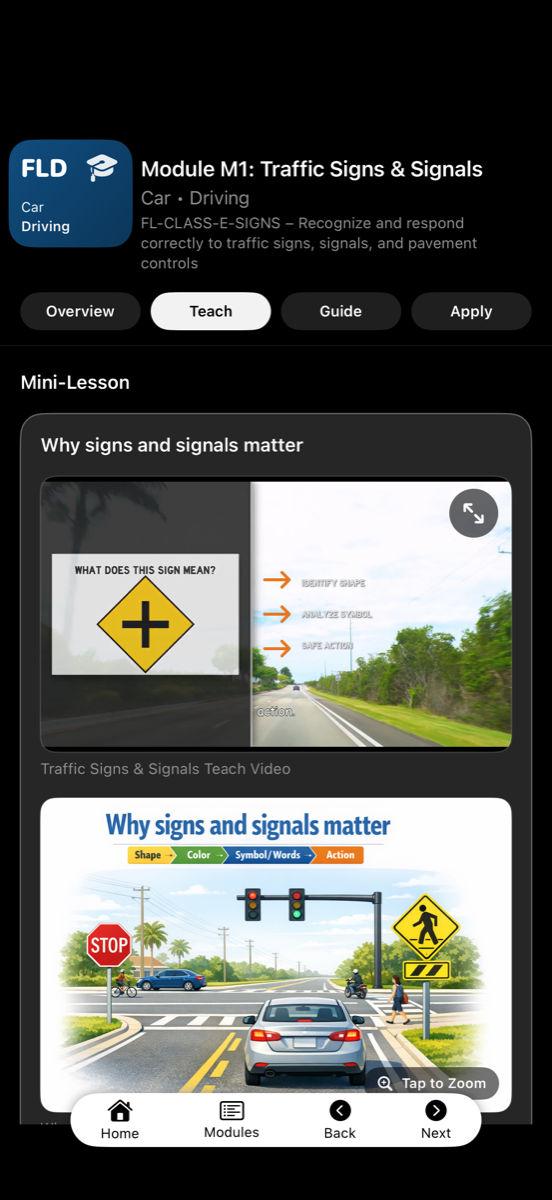
Understand the road rules
Interface example from Florida DMV. Your pack follows its named state.
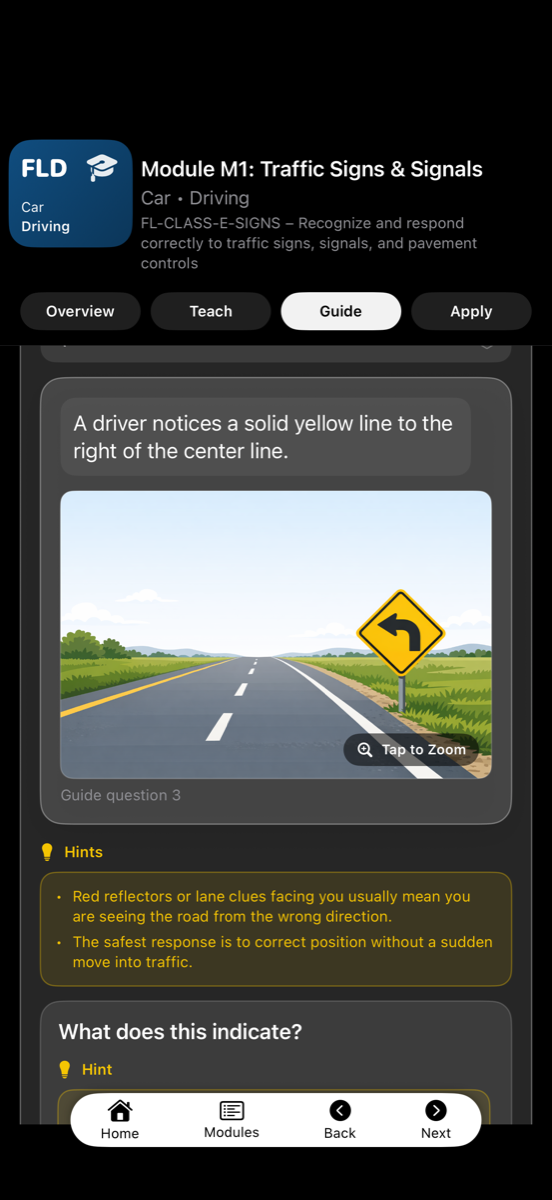
Put your knowledge to work
Interface example from Florida DMV. Lesson content varies by state.
FROM CART TO CONFIDENCE
Your next steps are simple.
-
01
Get the app
Install the app for your chosen pack. Available store links are on its product page.
-
02
Choose your packs
Mix packs from different apps in one cart and pay once.
-
03
Unlock and learn
We email an itemized receipt and a license key for each pack. Enter each key in its app under More → Activation Keys.
Each license supports up to two devices at once. Website purchases unlock content in the named app; they are not a separate browser-based course.